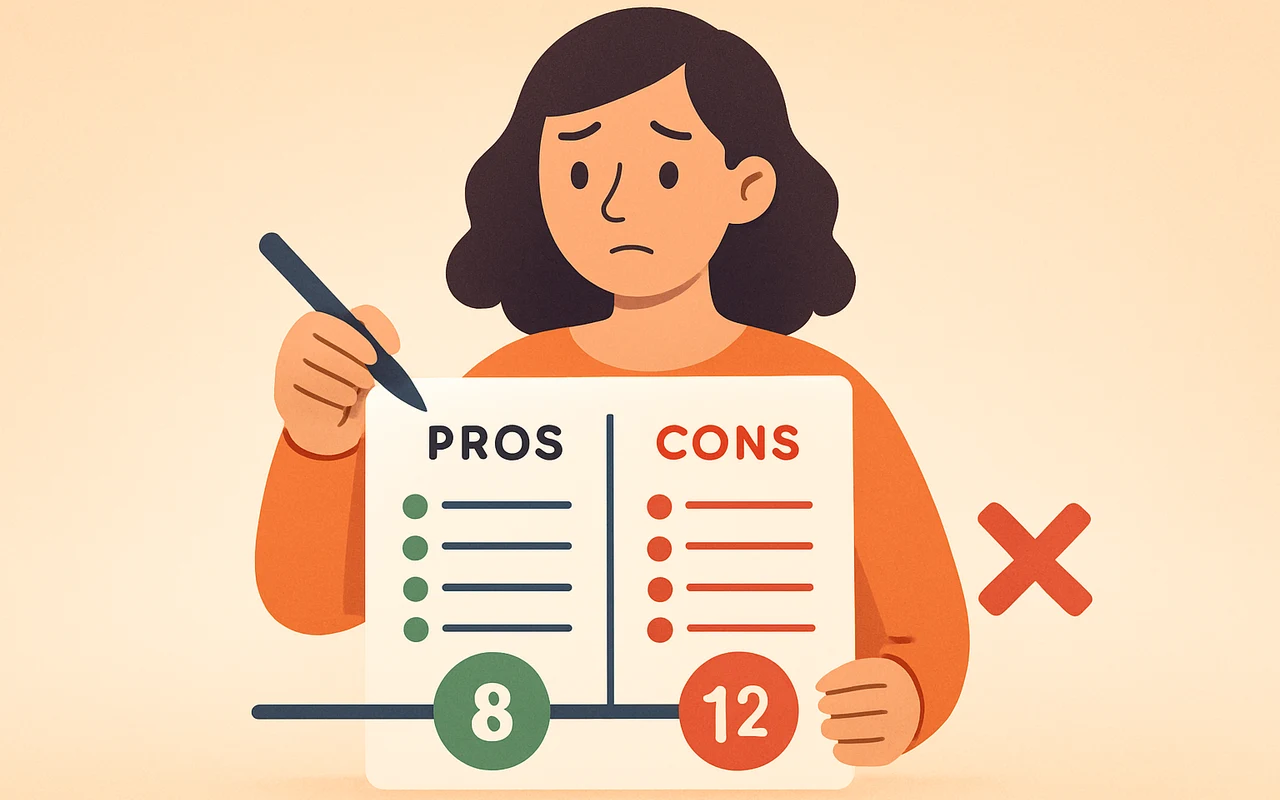
A classic pros and cons list has a familiar flaw: you finish it, count three items on each side, and are exactly where you started. The problem is that every entry counts the same, whether it is a minor perk or a serious risk.
A weighted list fixes this by giving each entry a number for how much it matters. Add up the numbers and the list leans one way, which is far more useful than a tie on item count.
Why Weighting Beats Counting
Counting items assumes all items are equal. They rarely are. Weighting stops several minor benefits from looking more important than one major risk, which is the most common way unweighted lists mislead people.
Consider a job offer. An unweighted list might show three pros and three cons, a perfect tie. Once you rate each entry, you may find that one con, such as a serious loss of job security, outweighs two of the pros combined. The tie was an illusion created by treating everything as equal.
One related rule: list factors that genuinely affect the outcome, not just enough items to make both columns look balanced. Padding a side with trivial points only adds noise.
Building a Weighted List Step by Step
- Write a specific question. Use a clear yes or no question, such as: Should I accept the new job offer? Vague questions produce vague lists.
- Brainstorm every factor. Put all pros and cons down first, without judging them yet.
- Choose a scale. A 1 to 5 scale is quick and works for most personal decisions. A 1 to 10 scale gives finer control, with 1 as minor and 10 as a deal-breaker. Any scale works as long as you use it consistently.
- Rate each entry before you total anything. Once you can see which side is winning, it is tempting to nudge a number upward to favor it. Score first, add up later.
- Sum each column and compare. If the weighted pros clearly outweigh the cons, the list favors the option. If the cons win, reconsider.
- Handle close results honestly. If the totals are near each other, gather more information or re-examine your weights rather than forcing a verdict.
A Worked Example
Here is an illustrative job-offer list on a 1 to 5 scale. The numbers are examples, not a universal rule.
- Pros: higher salary (5), career growth (4), shorter commute (2). Total: 11.
- Cons: weaker job security (4), leaving a good team (3), longer hours (2). Total: 9.
The item count is 3 versus 3, yet the weighted result leans toward accepting by 2 points. That gap is small, so the next step is to test the biggest items. Is the salary figure confirmed? How real is the security risk?
Adding Probability
For higher-stakes choices, you can multiply importance by probability. A con rated 4 for importance that has only a 50 percent chance of happening becomes an effective 2. A spreadsheet makes this easy, and you can then cancel out pairs of arguments that carry the same overall weight.
Pitfalls and Tools That Help
The method is only as good as your honesty. Rate entries by how much they truly matter to you, not by which answer you secretly want. Watch for double-counting, where the same underlying factor appears as two separate entries, and for framing bias, where wording a point as a loss or a gain changes how heavy it feels.
Also check for dealbreakers. A single serious con can override the total, even if it is unlikely. If one entry would make the option unacceptable regardless of score, treat it as a veto instead of a number. Sleeping on the result before finalizing is a simple extra safeguard.
When you have several options, build one list per option, or switch to a weighted decision matrix, which scores each option against shared criteria. SWOT or cost-benefit analysis can suit bigger, high-stakes choices.
Software Options
A notebook or spreadsheet is enough, but dedicated tools save arithmetic. Free browser-based list makers let you rate entries from 1 to 5 and show which way the decision leans, often with no sign-up.
On phones, Decision Maker: Smart Choices is one example. It is available for iOS and Android, free with in-app purchases, and works offline. Its Pros & Cons tool lets you set a weight for each entry, then calculates a net score and shows a Yes, No, or Undecided verdict. A Decision Tree feature, added in the 2026.09.21 version, lays out several options as separate weighted branches. Treat any app as a calculator: the judgment still comes from your own ratings.
Final Words
A weighted list works because it forces you to say how much each factor matters, not just that it exists. Define a clear question, rate before you total, and look for dealbreakers before trusting the sum.
If the result is close, that is information too. It usually means you need more facts, or that either choice would be acceptable.