Vibe coding is not about abandoning engineering judgment; it is about staying in flow while an AI agent handles the mechanical parts of software work. The best agentic CLI tools let you describe intent, inspect proposed changes, run tests, and iterate without leaving the terminal. For developers who think in prompts, diffs, and quick feedback loops, these five tools are especially worth knowing.
1. Claude Code: Best Overall Agentic Terminal Partner
Claude Code is one of the strongest choices for developers who want an agent that can reason across a real codebase, edit multiple files, run commands, and explain tradeoffs along the way. It feels less like a chatbot bolted onto a terminal and more like a careful pair programmer that understands project context.
For vibe coders, the appeal is simple: you can ask for a feature in plain language, let the agent inspect the repository, and then review the plan before accepting changes. It is especially good at refactors, test generation, bug investigation, and converting vague product intent into a concrete implementation path.
# Example workflow
claude

# Prompt inside the CLI:
# Find why the checkout total is wrong when a discount code is applied.
# Add a regression test, fix the bug, and summarize the files changed.
The main strength is its ability to maintain a coherent line of reasoning over several steps. Instead of generating one-off snippets, it can explore files, identify likely causes, run tests, and revise its approach. That makes it useful for real engineering work, not just toy examples.
The tradeoff is that you still need disciplined review habits. Claude Code can produce broad changes quickly, so vibe coders should ask for a plan first, keep commits small, and run the test suite before merging. Used that way, it is a premium command-line agent for high-leverage coding sessions.
2. OpenAI Codex CLI: Best for Fast Task Execution
OpenAI Codex CLI is designed for developers who want a coding agent directly in the shell, with a strong bias toward completing practical programming tasks. It can read files, suggest edits, create patches, and help move from instruction to implementation with minimal ceremony.
It is a great fit when you already know the outcome you want but do not want to manually perform every step. For example, you can ask it to modernize a module, add input validation, improve error messages, or write tests for a specific edge case.
# Start an agentic coding session
codex

# Example prompt:
# Update the user settings API to validate timezone names.
# Add tests for valid, invalid, and missing timezone values.
The tool shines in short, focused bursts. Give it a bounded task, and it can often produce a clean patch faster than a human would navigate all the files manually. This makes it ideal for vibe coders who work in rapid iterations: prompt, inspect diff, test, refine, commit.
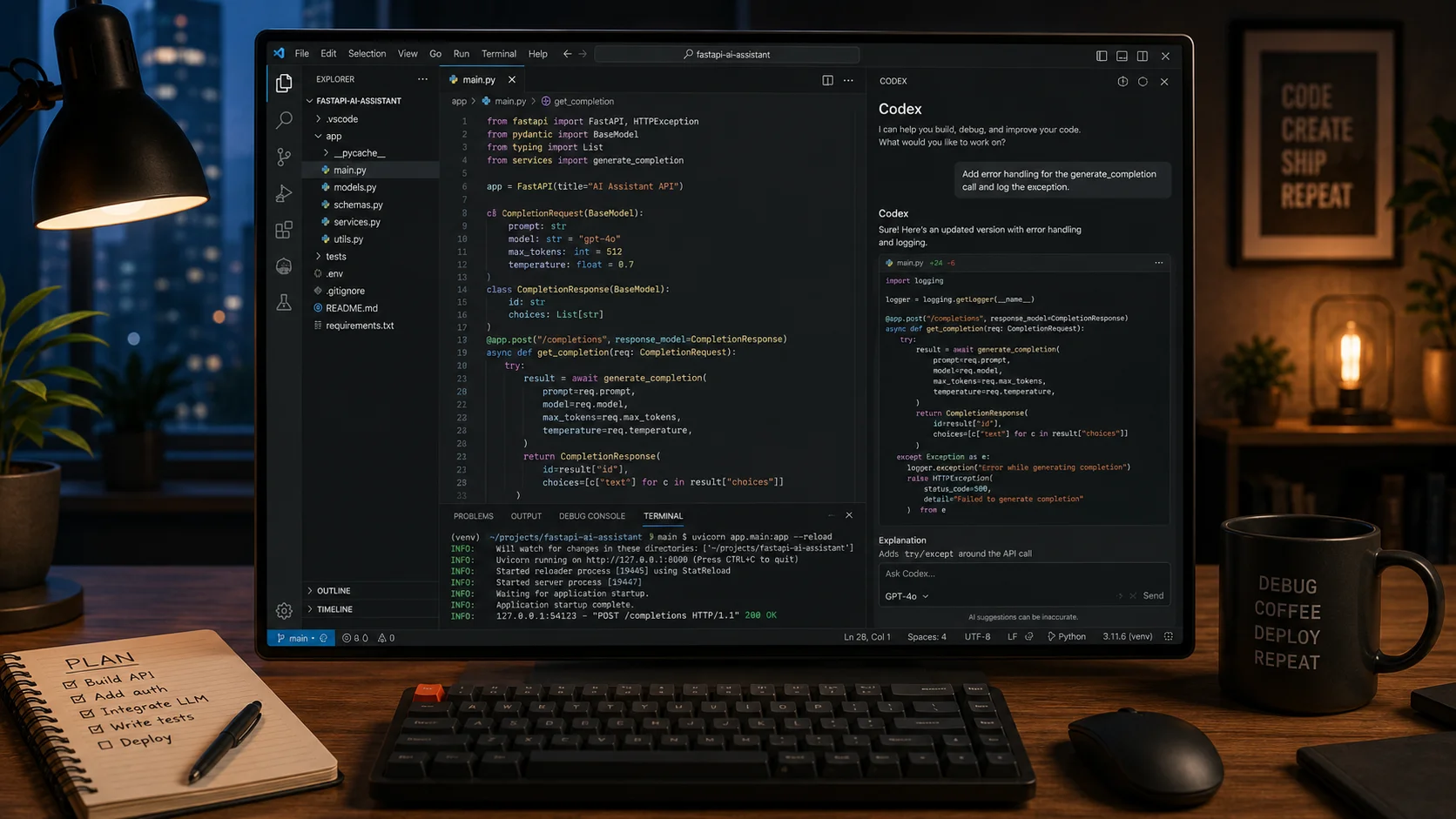
Its best use case is not uncontrolled autopilot. Instead, treat it like a capable junior-to-mid-level developer who can move quickly when given clear constraints. Ask it to explain assumptions, request smaller diffs, and use your existing linters and tests as guardrails.
3. Aider: Best Open-Source CLI for Git-Based Editing
Aider has become a favorite among terminal-first developers because it is open source, Git-aware, and highly practical. It edits files in your working tree, shows diffs, and encourages an incremental workflow that fits naturally with version control.
For vibe coders, Aider is appealing because it makes experimentation feel safe. You can ask for a change, see exactly what changed, run your tests, and either keep iterating or revert through Git. It supports multiple model providers, which is useful if you want flexibility instead of being locked into one AI ecosystem.
# Add files to the chat context and request a change
aider app/routes.py tests/test_routes.py

# Prompt:
# Add pagination to the list endpoint.
# Keep the response shape backward compatible and update tests.
Aider works particularly well for small and medium tasks where the relevant files are known. You can explicitly add files to the context, which helps reduce noisy or accidental edits. It is also excellent for test-driven flows: ask it to write a failing test, implement the feature, then run the suite.
The main limitation is that the quality of the session depends heavily on context selection. If you do not include the right files, the model may guess. But for developers who enjoy a hands-on CLI workflow, Aider offers a powerful balance of control, transparency, and agentic assistance.
4. Gemini CLI: Best for Large Context and Google Ecosystem Fans
Gemini CLI is a compelling option for developers who want an agentic command-line assistant backed by Google’s models and ecosystem. Its biggest appeal is handling broad context, which can be useful when you need help understanding a sprawling repository or connecting code decisions to documentation and architecture.
Vibe coders often start with a loose idea: make this flow simpler, explain this legacy module, or turn this prototype into something production-ready. Gemini CLI is useful in those discovery-heavy moments because it can help summarize, compare approaches, and generate implementation steps before touching code.
# Example exploratory workflow
gemini

# Prompt:
# Review this repository structure.
# Identify the authentication flow and suggest where to add OAuth login.
It is a strong tool for reconnaissance: understanding unfamiliar code, drafting migration plans, generating scaffolding, and producing first-pass implementations. If your development work is tied to Google Cloud, Android, Firebase, or other Google-adjacent services, it can also fit neatly into your existing stack.
As with any broad-context assistant, the risk is overconfidence. Large context does not automatically mean perfect judgment. Ask it to cite files, produce minimal patches, and explain why each change belongs where it does. The best workflow is to use Gemini CLI for orientation and planning, then apply changes in reviewable slices.
5. Sweep CLI: Best for Issue-to-Pull-Request Automation
Sweep is built around a slightly different agentic pattern: turning issues into code changes. While many developers know it from repository automation, its CLI-oriented workflow is valuable for teams that want AI help moving from bug reports or feature requests to pull requests.
For vibe coders, Sweep is useful when the prompt already exists as a ticket. Instead of starting from a blank terminal, you begin with a GitHub issue that describes the desired behavior. The agent can inspect the repo, propose changes, and help create a reviewable branch or PR.
# Example issue-driven flow
sweep issue 142

# The issue might say:
# Add CSV export to the analytics dashboard with filters preserved.
This style is excellent for product teams because it connects AI coding directly to the normal software delivery process. Requirements, discussion, implementation, and review all stay anchored to an issue. That reduces the chaos that can happen when vibe coding produces many disconnected local experiments.
Sweep is not always the best choice for deep interactive pairing or exploratory debugging. Its sweet spot is well-scoped repository work where the desired outcome can be expressed in an issue. If your team already practices clean ticket writing and pull-request review, Sweep can feel like an efficient agentic bridge between planning and implementation.
Conclusion
The best agentic CLI coding tool depends on your style. Claude Code is the strongest all-around terminal partner, Codex CLI is excellent for fast bounded tasks, Aider is ideal for Git-centered open-source workflows, Gemini CLI helps with broad context and exploration, and Sweep works well for issue-driven automation.
For vibe coders, the winning pattern is not blind trust. Use these tools to preserve momentum, but keep human review, tests, small commits, and clear prompts at the center of the workflow. The result is faster coding without giving up engineering control.